A lead form succeeds when the right customer can submit it, the business receives it and the information collected is proportionate to what happens next. Long forms and unreliable notifications can undermine an otherwise strong website.
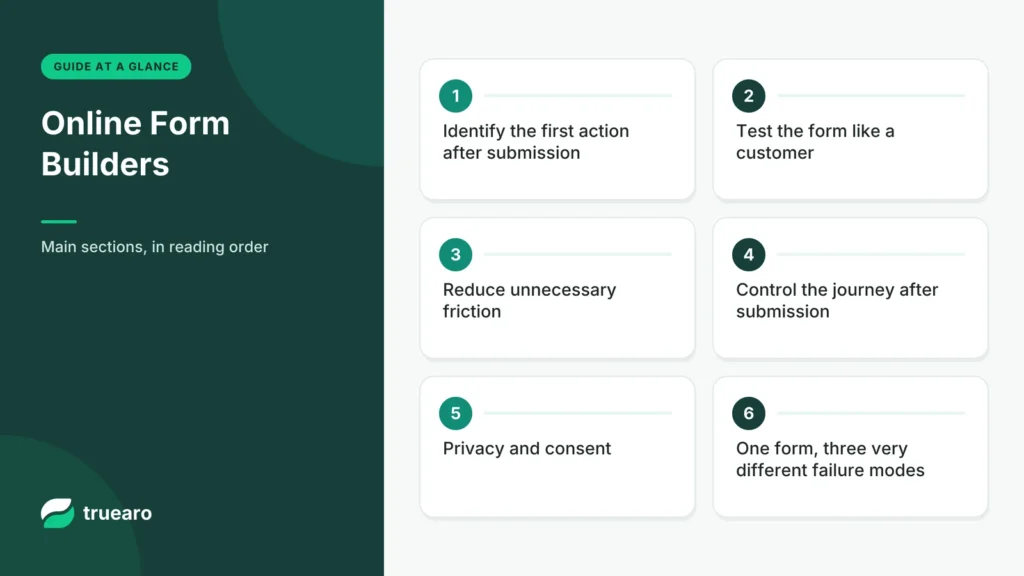
Identify the first action after submission
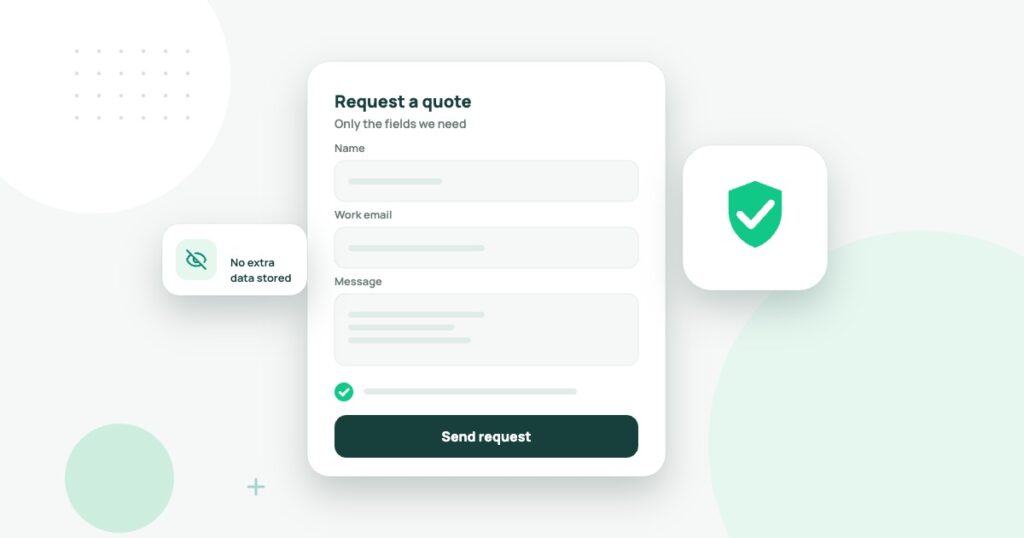
For a quote request, staff might need a service type, location, budget range and a reply address. For a newsletter, an email address may be enough. Review every field and ask what specific decision it supports. If nobody uses the information, consider removing it.
Test the form like a customer
Complete it on a narrow phone screen, using a keyboard and assistive technology when available. Try a valid request, missing required field, unusual but legitimate name and slow network connection. Check that errors are explained beside the fields and that successful submission is unambiguous.
| Function | What to verify |
|---|---|
| Validation | Clear error messages without discarding entered work. |
| Spam defense | Reasonable protection that doesn’t block genuine leads. |
| Notification | A real email or CRM record is created after submission. |
| Security | Messages do not expose sensitive data through public links. |
| Retention | Entries can be reviewed, exported and deleted appropriately. |
Reduce unnecessary friction
Make labels descriptive, indicate required fields and use the right input types. Explain what the business will do with the submission and when a reply can be expected. Do not promise instant support if the inbox is only checked twice a day. For a complex estimate, a multi-step form may help, but measure completion instead of assuming it will.
Control the journey after submission
Assign an owner to new leads. Test the destination mailbox, spam folder, CRM mapping and duplicate submissions. Confirm how attachments are stored and whether staff can access them without sharing a common administrator password. If notifications fail, a polished form can quietly lose business.
Privacy and consent
Collect only information needed for the stated purpose. Provide an appropriate privacy notice and do not treat a request for a quote as automatic agreement to unrelated promotional mail. Requirements depend on where the business and customers are located; consult qualified advice for applicable rules.
One form, three very different failure modes
Consider a website that offers free consultations. Its owner sees plenty of visits but few completed inquiries. It may be a traffic-quality problem, but the form itself can also fail: a mobile keyboard may hide the submit button, the spam filter may block real visitors, or the notification email may never reach the business. Those failures need different fixes.
Before buying a new form builder, submit a test inquiry from a phone with a small screen, another from a slow connection and a third using keyboard-only navigation. Check both the confirmation shown to the visitor and the message or CRM record staff receive.
Accessible labels beat clever placeholder text
The W3C’s form labeling tutorial recommends correctly associated labels for inputs. Placeholder words that disappear when someone types are not a dependable substitute for a persistent label. Errors should identify which field needs correction and explain how to fix it. A red border alone is not enough for many users.
Build a simple test with three required fields. Leave one blank, submit and use the keyboard to move to the problem. If the form resets the other fields, that is a usability issue worth fixing even if the software provider claims the feature is supported.
Spam prevention should not punish good customers
Most businesses need some combination of rate limiting, server-side validation and anti-abuse protection. A visible challenge is not the only option. Tools such as Cloudflare Turnstile and Google reCAPTCHA can help, but server-side verification and privacy configuration remain essential. See our Turnstile versus reCAPTCHA comparison.
If the spam filter rejects several legitimate inquiries, count that loss. A system that reports zero spam while also blocking genuine customers has not succeeded. Record false positives and provide an alternative contact route when possible.
How many fields should a lead form have?
Collect information that changes the next action the business will take. For a local service quote, a name, contact channel, service type and location may be enough. Requiring an employer, income range, birthday and home address before an initial inquiry usually needs a stronger justification. The goal is not to make every form as short as possible; the goal is to request necessary information at the appropriate stage.
| Field | When it helps |
|---|---|
| Reply email | Required to answer an email inquiry |
| Service area or ZIP code | Useful when geographical eligibility determines service |
| Brief description | Helpful to route a complex project request |
| Budget range | Only when it genuinely changes qualification or package suggestions |
| Marketing consent | Separate, optional choice under applicable requirements |
Measure the complete lead pipeline
An analytics event on the submit button is not proof of a successful inquiry. Count confirmed form submissions, legitimate spam-filter rejections, messages delivered to the intended mailbox, inquiries acknowledged by staff and actual qualified leads. If a browser reload triggers the event twice, your conversion rate can become misleading.
The right number of form fields depends on what happens next
A lead form with only an email field may attract many submissions but provide too little information for a useful reply. A long form asking for budget, company size and project history may discourage an interested visitor. Balance the questions against the first decision the receiving team needs to make.
For a local service company, name, contact method, service area and a short description may be sufficient. For a complex enterprise consultation, additional context may save both sides time. Test the form with people unfamiliar with the business and observe where they hesitate rather than assuming fewer fields always win.
A form is only successful when the lead reaches a person
Submit a test lead after hours, from mobile, and with a typo in an optional field. Confirm that the request reaches the appropriate inbox or CRM, that customer confirmation is accurate and that staff know who should respond. A visually successful thank-you page does not prove the notification was delivered.
| Failure | Practical safeguard |
|---|---|
| Duplicate submission | Clear confirmation and safe retry handling |
| Spam flood | Server-side validation and proportionate rate limits |
| Missing notification | Logging, monitoring and backup access to entries |
| Unclear consent | Specific choices and an understandable privacy notice |
| Accessibility barrier | Visible labels, keyboard testing and helpful errors |
Measure qualified leads rather than form completions
Imagine a shorter form creates 100 inquiries of which twenty are qualified, while a longer one creates sixty of which thirty are qualified. The apparent conversion winner may be the weaker business outcome. These are fictional numbers, but they show why quality, response time and booked sales belong alongside completion rate.
Keep records only as long as the business genuinely needs them, minimize sensitive collection and restrict exports. A form builder is another holder of personal information; evaluate its permissions and retention controls. Prioritize the tool that delivers accurate, accessible, permission-based leads to the team that can actually respond.
The W3C WCAG 2.2 quick reference provides criteria to check keyboard access, error identification and other accessibility needs. Use those criteria to test the finished form, because a clean template preview alone cannot establish that every visitor can submit it.
Ownership and retention
Decide who can read submissions, how long entries remain stored and when they are deleted. If a plugin stores attachments, protect the files from public download. Check whether an employee who leaves the company can still access notification emails or external integrations. Use a form service’s export function only for authorized data and avoid moving sensitive customer details to personal accounts.
Choosing the right software also means checking whether it can fail gracefully. A form that saves entries even when email delivery is temporarily unavailable may be safer than one that silently discards them. Test how retry and escalation work; do not assume a green “sent” message means an employee received the inquiry.
Before changing the form plugin, use our WordPress plugin safety checklist. For measurement ideas, see our analytics planning guide. A form should be judged by successful, legitimate inquiries, not by the number of fields it can display.